# Connect Wallet

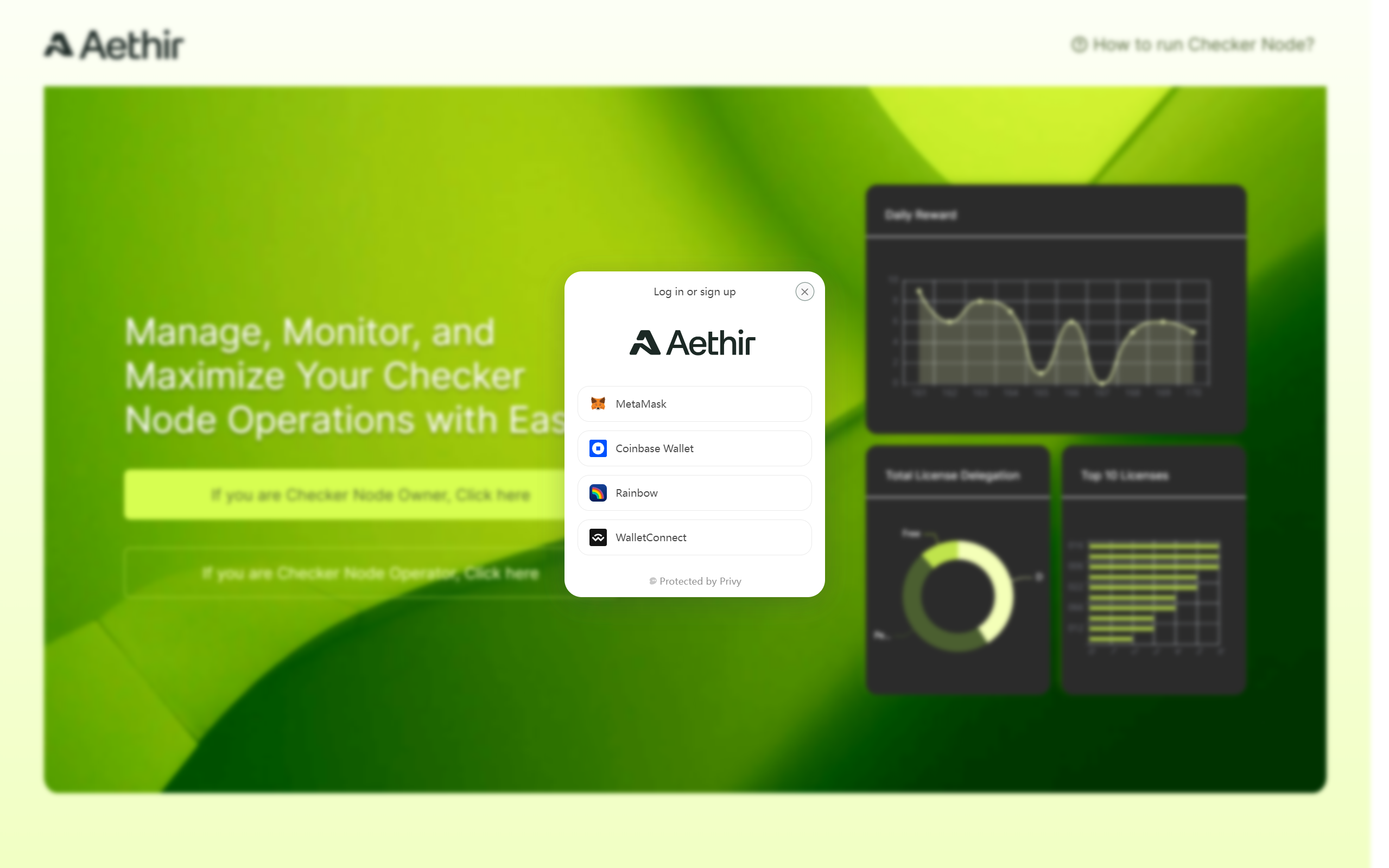
The Checker Node License is an ERC721 NFT. To access the owner portal, you need to sign in using the wallet that holds your Checker Node License.

{% hint style="success" %}
**Use Rabby Wallet for Ledger Accounts**

We recommend using the Rabby wallet to access your Ledger account to avoid compatibility issues.&#x20;
{% endhint %}

1. Go to <https://app.aethir.com/>. Click the button for **Node Owner**.

   <figure><img src="/files/sRkzIuleCGLFicBKeOBw" alt=""><figcaption></figcaption></figure>
2. Sign in to the wallet that holds your Checker NFT Licenses.<br>

   <figure><img src="/files/wT3LaprnjlZOKhlqBnRh" alt=""><figcaption></figcaption></figure>
3. Once connected to wallet, you should see the Dashboard page.<br>

   <figure><img src="/files/u1DA4coNhOIXFef5Jaw8" alt=""><figcaption><p>Owner Portal - Dashboard</p></figcaption></figure>


---

# Agent Instructions: Querying This Documentation

If you need additional information that is not directly available in this page, you can query the documentation dynamically by asking a question.

Perform an HTTP GET request on the current page URL with the `ask` query parameter:

```
GET https://docs.aethir.com/checker-guide/how-to-manage-checker-nodes/connect-wallet.md?ask=<question>
```

The question should be specific, self-contained, and written in natural language.
The response will contain a direct answer to the question and relevant excerpts and sources from the documentation.

Use this mechanism when the answer is not explicitly present in the current page, you need clarification or additional context, or you want to retrieve related documentation sections.