> For the complete documentation index, see [llms.txt](https://docs.aethir.com/llms.txt). Markdown versions of documentation pages are available by appending `.md` to page URLs; this page is available as [Markdown](https://docs.aethir.com/aethir-claw/aethir-claw-user-guide-set-your-ai-agent-up-in-5-minutes.md).
# Aethir Claw User Guide: Set Your AI Agent up in 5 Minutes
From sign-up to a fully running AI agent with 50+ pre-installed skills active takes just four steps.
No terminal, no API key setup, no infrastructure configuration.
#### Create Your Aethir Claw Account
* Visit claw\.aethir.com and sign up with your email address.
* Verify your account via the confirmation email.
#### Select Your Hosting Region
* Choose the geographic region where your agent container will run.
* Closer regions mean lower latency.
* Pro and Enterprise plans unlock all available regions.
#### Choose a Subscription Plan & Pay
* Select the plan that matches your usage.
* Complete payment. Your container spins up automatically.
#### Set Up Your LLM API Key
* Enter an LLM API key from your chosen provider. All popular providers all available in the dropdown menu.
#### Select Pre-Built Agent Persona or Skip Step
* Select the pre-built agent personas - General AI assistant or skip this step and build your own agent with customizable skills.
#### Launch Your First AI Agent
* Congratulations, you’ve just launched your first AI agent.
* You can communicate with your AI agent directly in the Aethir Claw dashboard to assign tasks, modify skills, and install new skills.
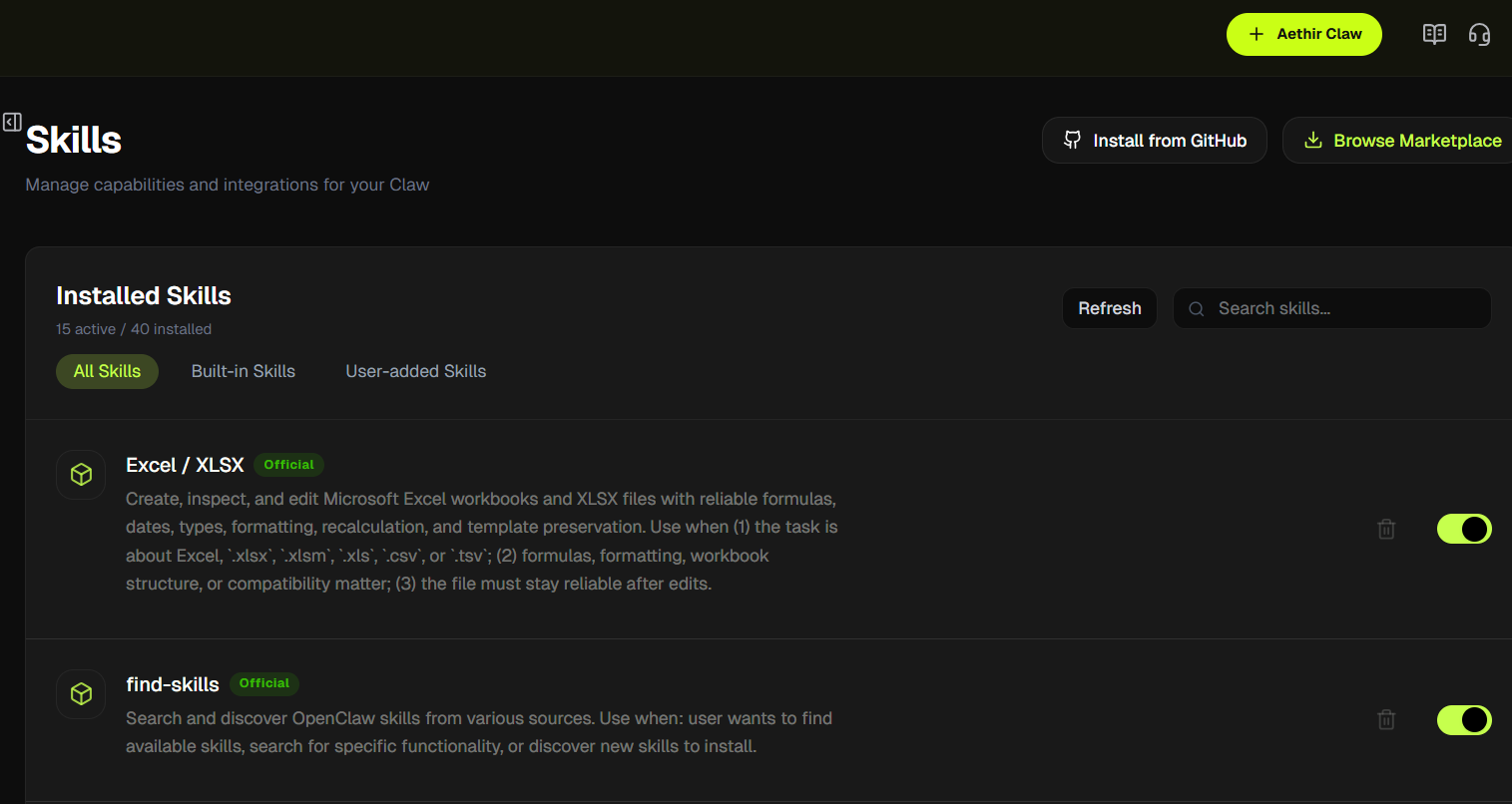
* The “Skills” section in the left-side menu allows you to browse and install numerous skills.
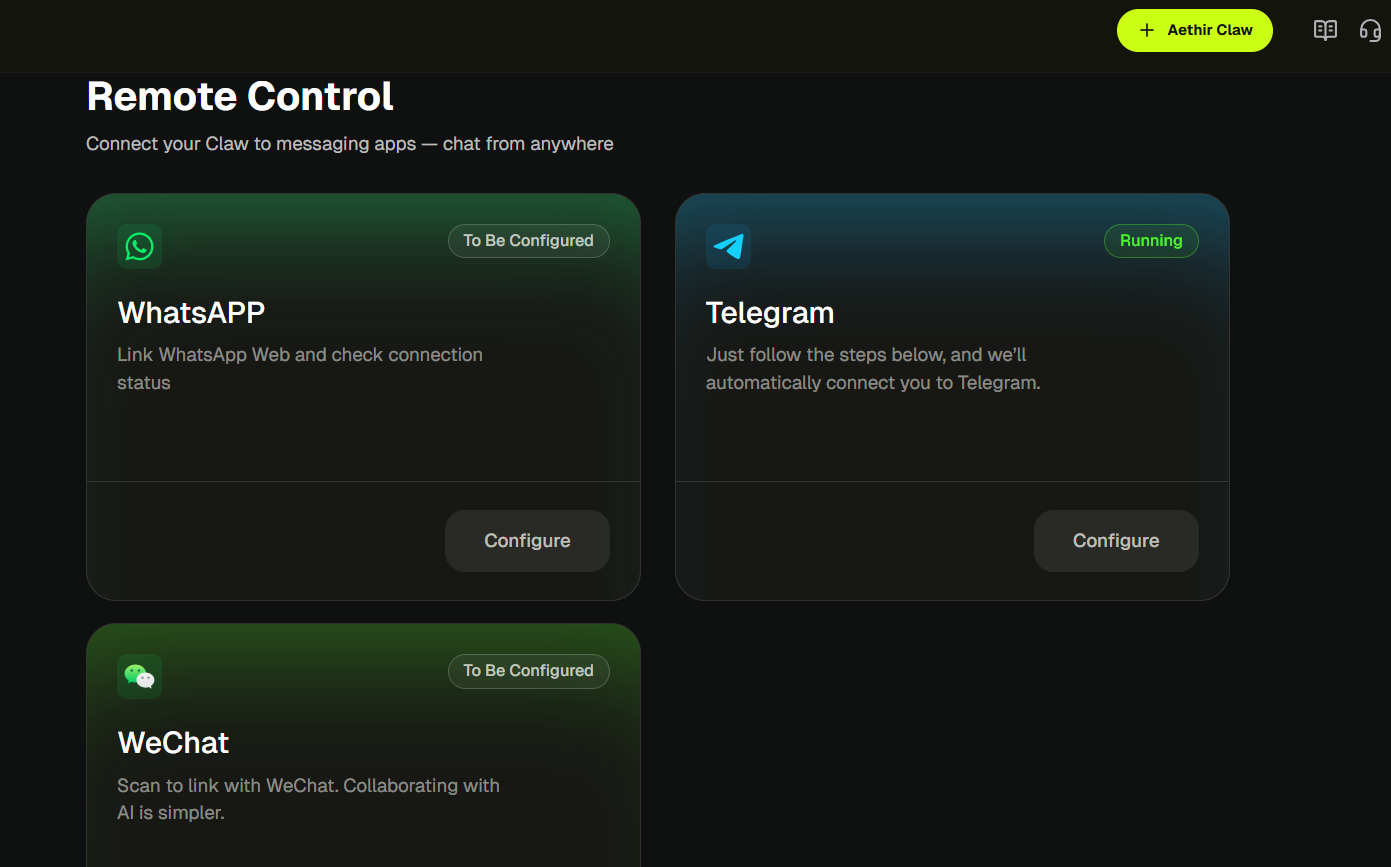
* In the “Remote” section in the left-side menu, you can set up remote communication with your AI agent through WhatsApp, Telegram, and WeChat.
* In the “LLM Configure” section in the left-side menu, you can modify your LLM API key and change it at any time.